Troubleshooting
How to Unlock a Viking Oven Door Without Damaging the Front
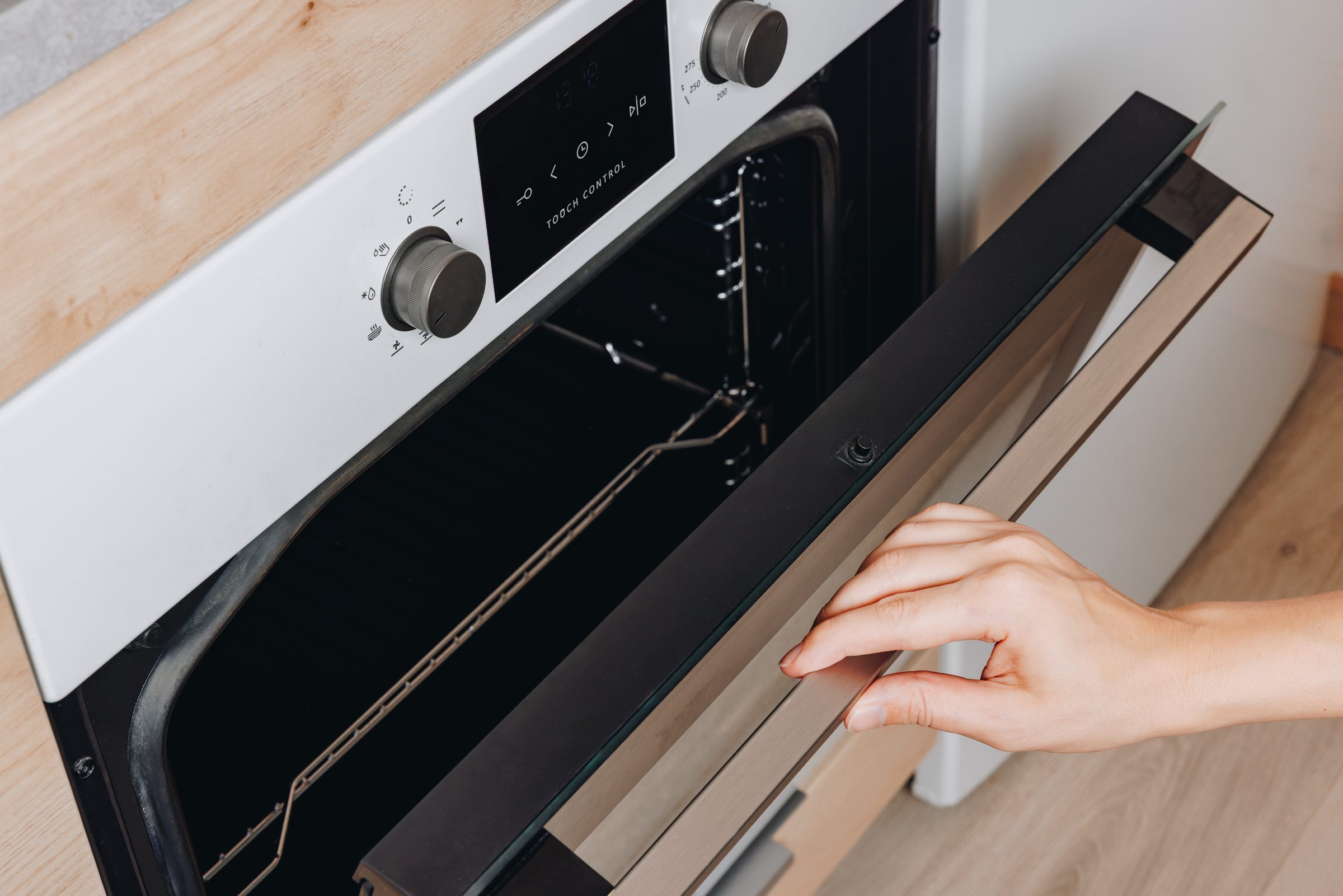
Let the oven go completely cold first — a number of these release on their own once the cavity is below the latch threshold. Then cut the power at the breaker for five full minutes, which restarts the control and releases some more. On ranges with backlit knobs, turn the selector and temperature knobs to SELF-CLEAN until the bezel pulses yellow and then both to OFF; when the solid yellow disappears the door is unlocked. Do not force it — the latch is motorized and the door front marks easily.
The full guide
How to unlock Viking oven door latches: three ways they lock
The cavity is still hot. The commonest and the least alarming. The latch will not release above a threshold, and a heavy professional cavity after a three-hour clean cycle holds heat far longer than people expect.
The clean cycle was interrupted. Canceled in the first thirty seconds, or stopped by a power interruption part-way. The bolt is left between positions and the control cannot account for it.
The latch assembly has failed. The motor that drives the bolt, or the switch that tells the control where the bolt is. Two different parts, two different figures, and the difference is measured rather than argued about.
What to try, in order
- Wait until it is cold. Genuinely cold, not warm to the touch. A number of these release with no intervention at all.
- Breaker off, five full minutes, back on. A real interruption. Some latches release once the control restarts.
- On a range with backlit knobs, the manufacturer's own sequence: both knobs to SELF-CLEAN until the bezel pulses yellow, then both to OFF. When the solid yellow disappears, the door is unlocked.
There is no fourth step involving a screwdriver. The latch is motorized and the door front on this equipment is not forgiving — a mark on it is permanent and it is the expensive half of the appliance.
What to listen for
Put your ear near the top of the door while the control is trying. A motor that runs and does not move the bolt is one repair. Silence is another. Saying which on the phone changes what comes on the van, and it costs nothing to find out.
Three locks that feel identical from outside
Every one of these presents as a door that will not open, and they clear completely differently:
- The clean-cycle lock. Mechanical and temperature-driven. It releases when the cavity is genuinely cool, and nothing hurries it — not a button, not the breaker.
- A control lock. Deliberate, set by holding a pad, usually indicated on the display. A feature, and cleared the way it was set.
- A latch that has failed. Published in as many words as LATCH ERROR: the motor moved and nothing confirmed it arrived, or it never moved.
The first two are waiting and settings. The third is a repair, and the display usually says which you have before anybody touches the door.
Why forcing it costs more than waiting
A self-clean latch is a motor, a cam and a pair of switches, sized for the job and no more. Levering at the door with the latch engaged takes the cheapest part in the assembly and adds the door, the hinges and sometimes the control to the bill.
One exception worth stating plainly: an oven that is hot with the door unlocked, or heating with nothing selected, is not a lock problem at all. Cut the breaker and leave it off.
Why this arrives after self-clean and almost never otherwise
Because the door is locked for the whole cycle, at the highest temperature and the highest load the latch ever sees, for hours. Everything marginal in the oven is tested at once and the latch is one of the candidates.
Worth knowing here specifically: running a three-hour clean cycle on a summer afternoon means running it through the least reliable part of the day for the supply. An interrupted cycle is exactly what a brownout produces, and an interrupted cycle is the commonest story behind a locked door.
If it turns out to be a repair
What this leads to, and what it costs
Every job on this site is priced the same way: an on-site diagnostic first, the figure agreed in writing before anybody starts.
-
LATCH ERROR, in words Oven door locked shut
A door the control cannot unlock, usually after a self-clean. This make publishes it as LATCH ERROR in plain English, which is as clear as a diagnosis gets.
- Locked since a clean cycle
- LATCH ERROR on the display
- The latch audibly trying and not moving
-
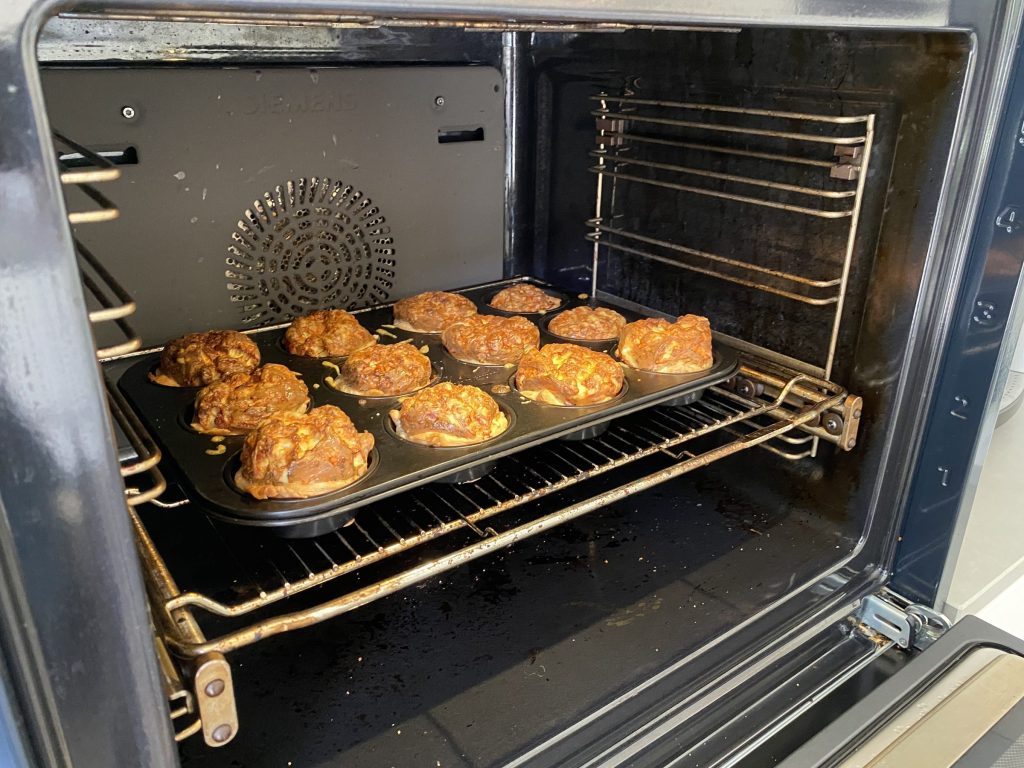
The cycle that finds everything Oven dead after a self-clean
An oven that ran a clean cycle and has not worked since. It is one of the most predictable calls on this equipment, and it is not because anything was done wrong.
- Worked before the clean cycle, dead after it
- The door still locked
- A message that appeared during or after the cycle
-
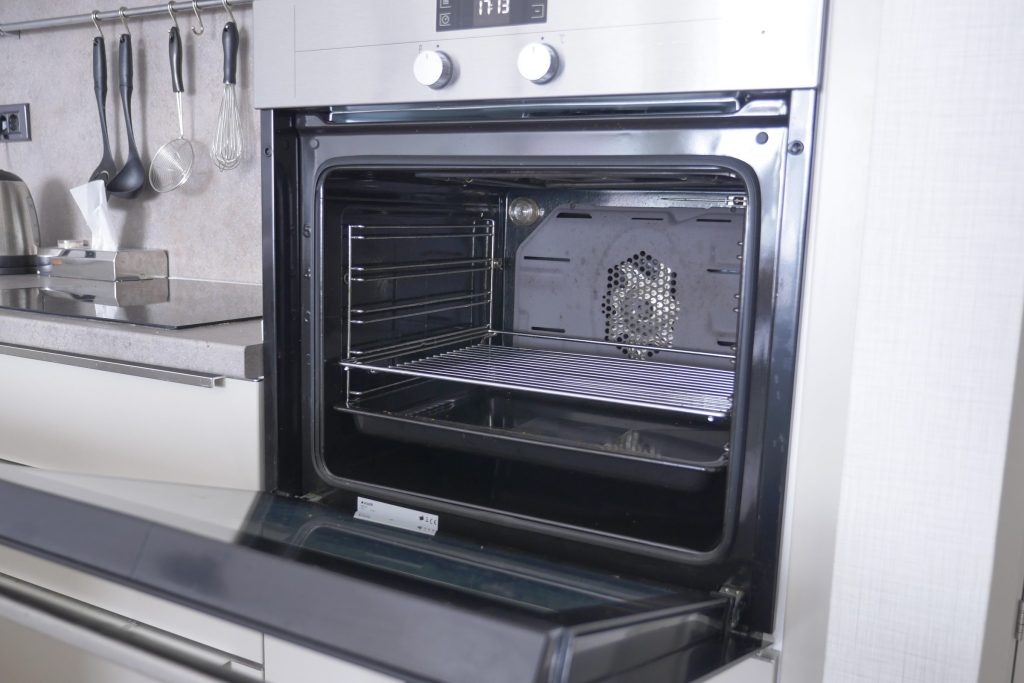
from $215 Oven door latch repair
A door locked after a self-clean, or a latch the control cannot move. This make publishes it as LATCH ERROR, in words, which is as clear as a diagnosis gets.
- Door opened without damaging the front
- Latch motor and switch tested separately
- Self-clean proved before it is signed off
-
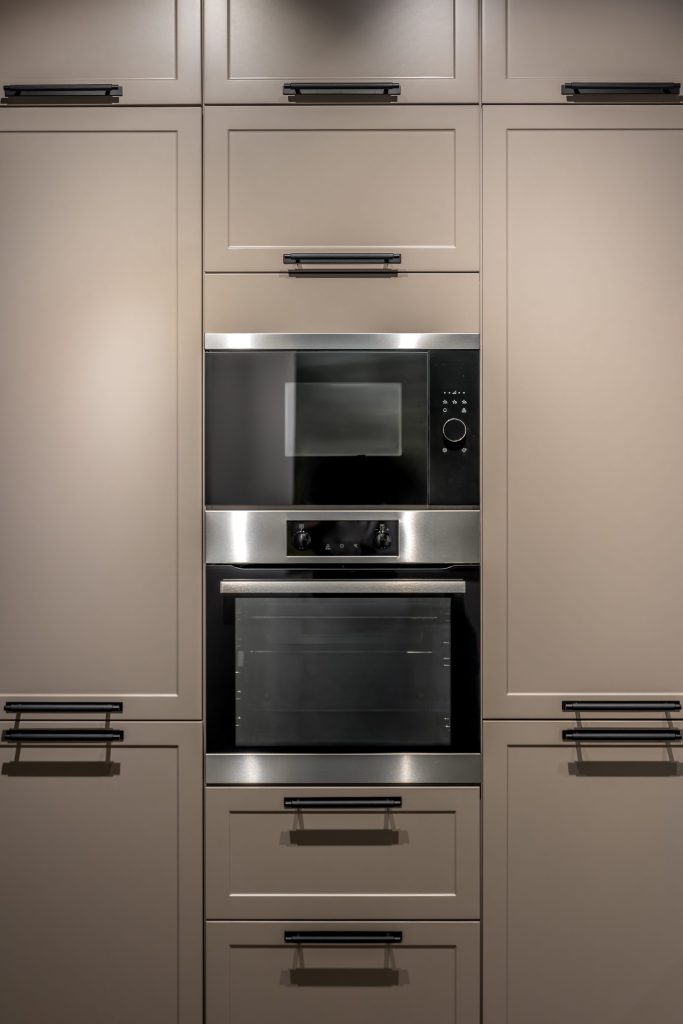
Single · Double · French-door · RVL steam · Warming drawer Wall ovens & warming drawers
Built-in ovens in every configuration this brand has sold — single, double, French-door, and the RVL steam oven that stacks with them — plus the warming drawer underneath, which is repaired here even though it has no card of its own. On a double oven the first question is always which of the two cavities.
- One cavity of a double not heating
- Temperature that is wrong rather than absent
- A warming drawer that stays cold
Questions people ask about this
Can I pry it open?
Please do not. The latch is motorized and the door front on this equipment marks easily. Forcing it turns a latch repair into a latch and a door, and the second half is considerably more expensive.
Why did it lock in the first place?
Almost always a self-clean cycle that was interrupted — canceled in the first thirty seconds, or stopped by a power interruption — which leaves the bolt between positions with nothing able to move it.
The display says LATCH ERROR.
That is the manufacturer telling you, in words, that the control cannot lock or unlock the door latch. Which half of the assembly it is — the motor, or the switch that reports its position — is measured rather than guessed.
It unlocked on its own after a day.
That happens, and it is usually the cavity finally getting cold enough. It is still worth mentioning, because a latch that is slow to release is a latch on its way.
Is the food inside safe?
In a cavity that has been at cleaning temperatures, no. Say so when you book — in this climate it changes how quickly we schedule.
Troubleshooting
More guides like this one
-
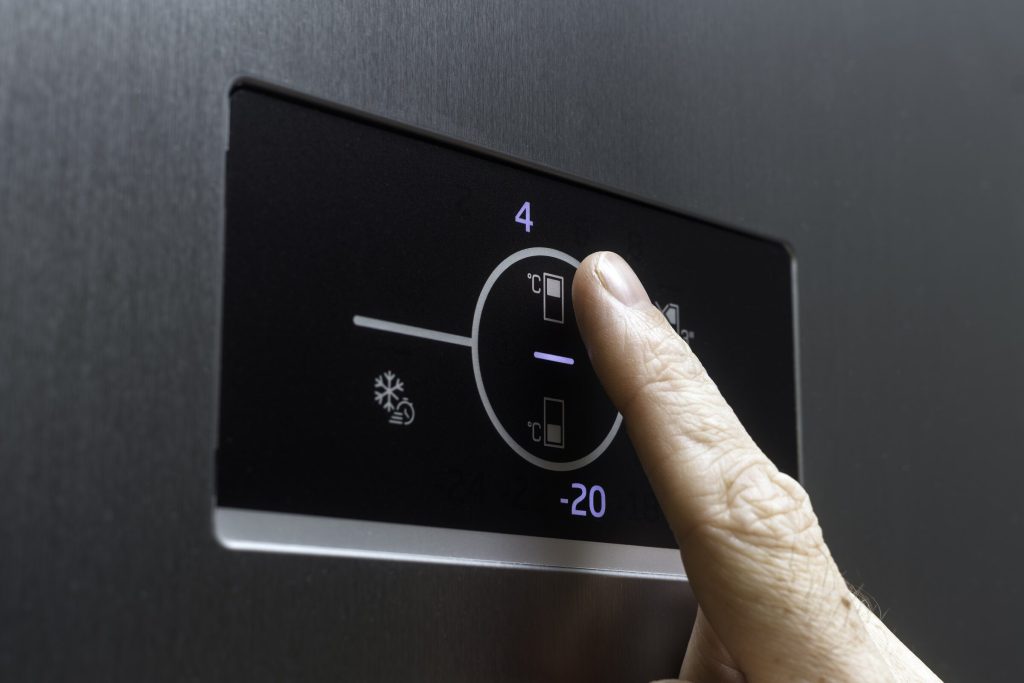
Resetting a Viking Refrigerator: Which Button, Which Cabinet, and What It Clears
Four generations of control with four different sequences — and the clear the manufacturer specifically asks for before an E-code is believed.
Read more -

Viking Ice Maker Reset: Where the Button Is, and the Three Checks That Come First
A reset does nothing for a starved machine, and starved is what most of these are. Supply valve, filter date and the drain — all three before the button, and all three free.
Read more -
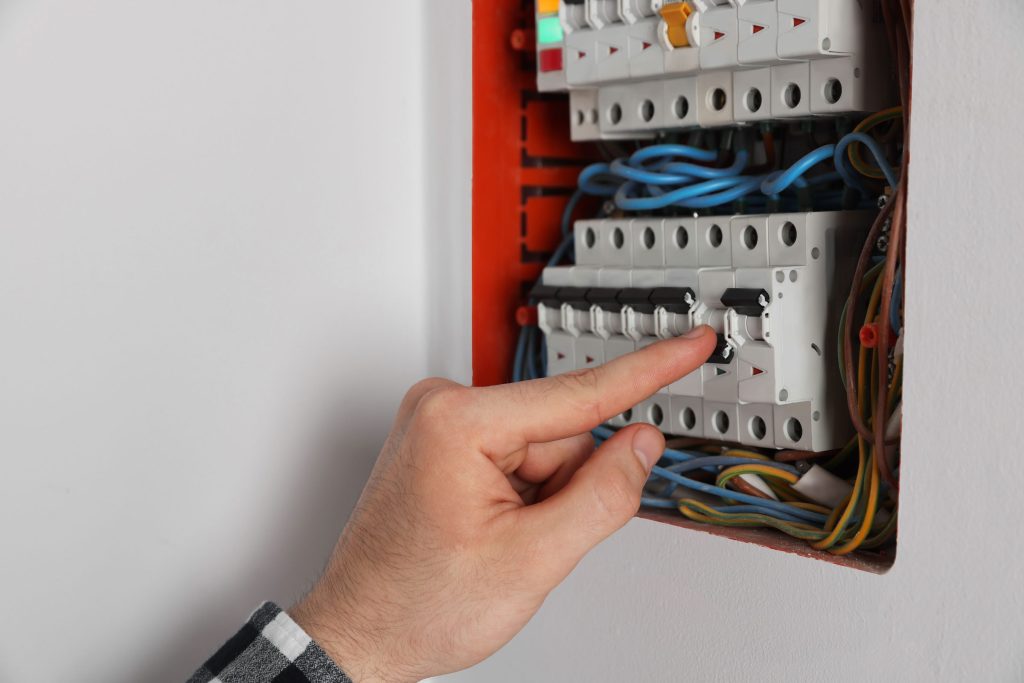
How to Reset a Viking Oven — and What a Reset Does Not Fix
Five minutes genuinely off at the breaker is the dividing line on this make. What clears there was a supply interruption; what survives it is hardware.
Read more
Tell us the model number and what it is doing.
This article is based on:
- Official manufacturer documentation
- Internal repair procedures
- Technician repair history
- Company quality standards
 English